You can easily add custom social share image by following the steps below.
-
Login to BlogHunch.
-
Go to Dashboard.
-
Go to Blog Posts and click on new
-
Goto settings, scroll down
-
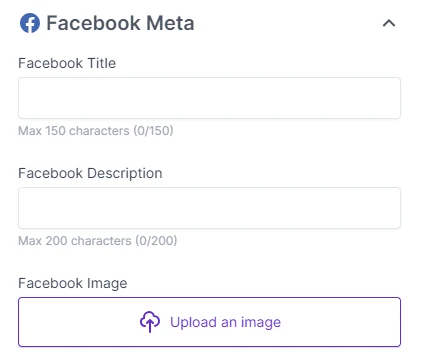
Upload the images
You can easily add custom social share image by following the steps below.
Login to BlogHunch.
Go to Dashboard.
Go to Blog Posts and click on new
Goto settings, scroll down
Upload the images
Was this page helpful?