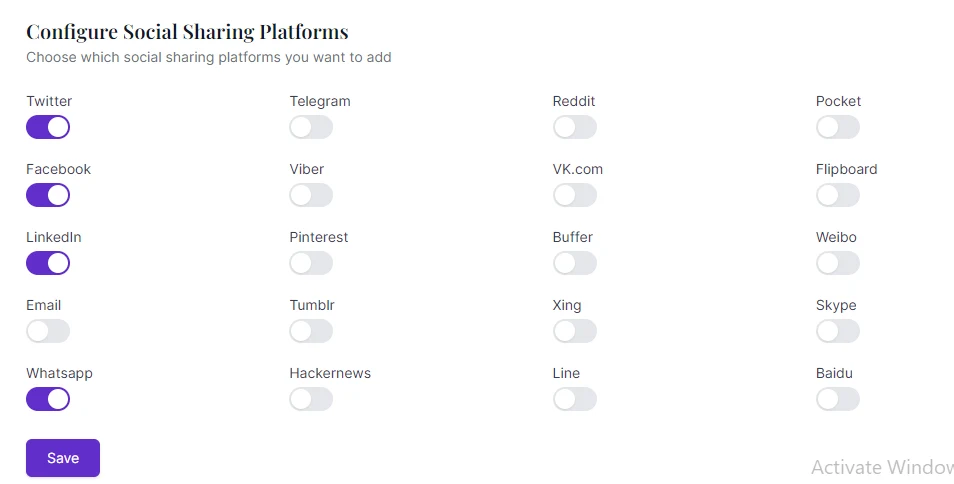
You can easily add social share buttons by following the steps below.
-
Login to BlogHunch.
-
Go to Dashboard.
-
Click on Settings from the left-hand sidebar.
-
Click on Social media
-
Scroll down and toggle the social share buttons to right side which you want to add
-
Click on save