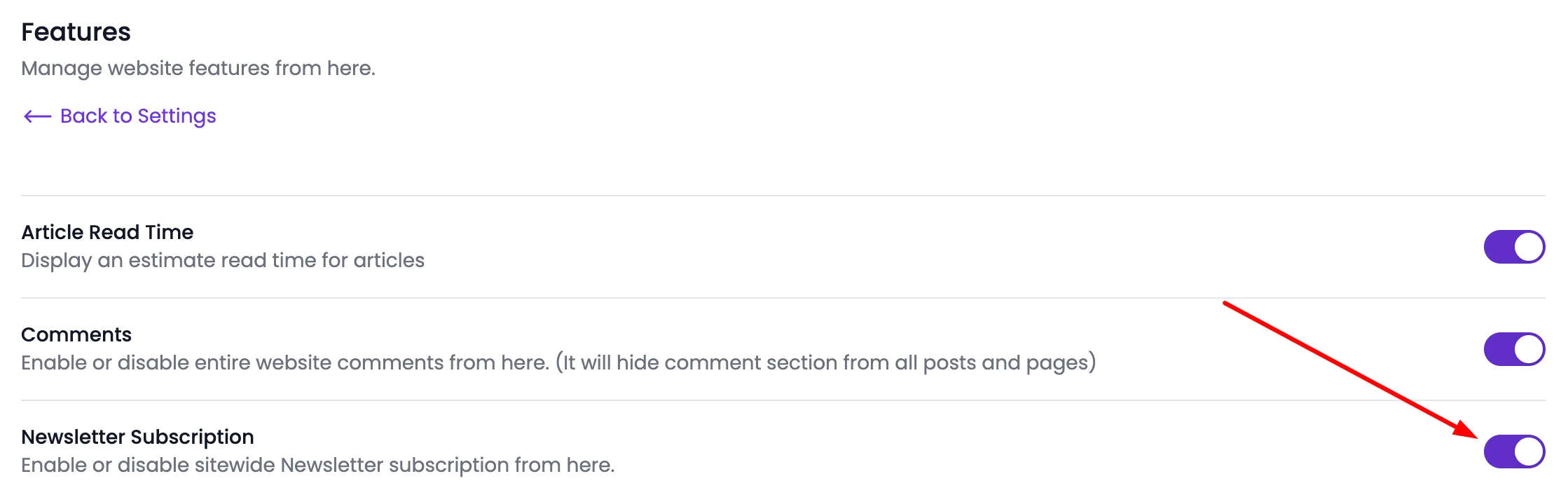
BlogHunch comes with an inbuilt newsletter subscription form that can be turned on or off based on the requirements.
Follow the steps below to enable or disable the feature.
-
Login to BlogHunch.
-
Go to Dashboard.
-
Click on Settings from the left-hand sidebar.
-
Click on the Features & enable or disable a Newsletter Subscription option.