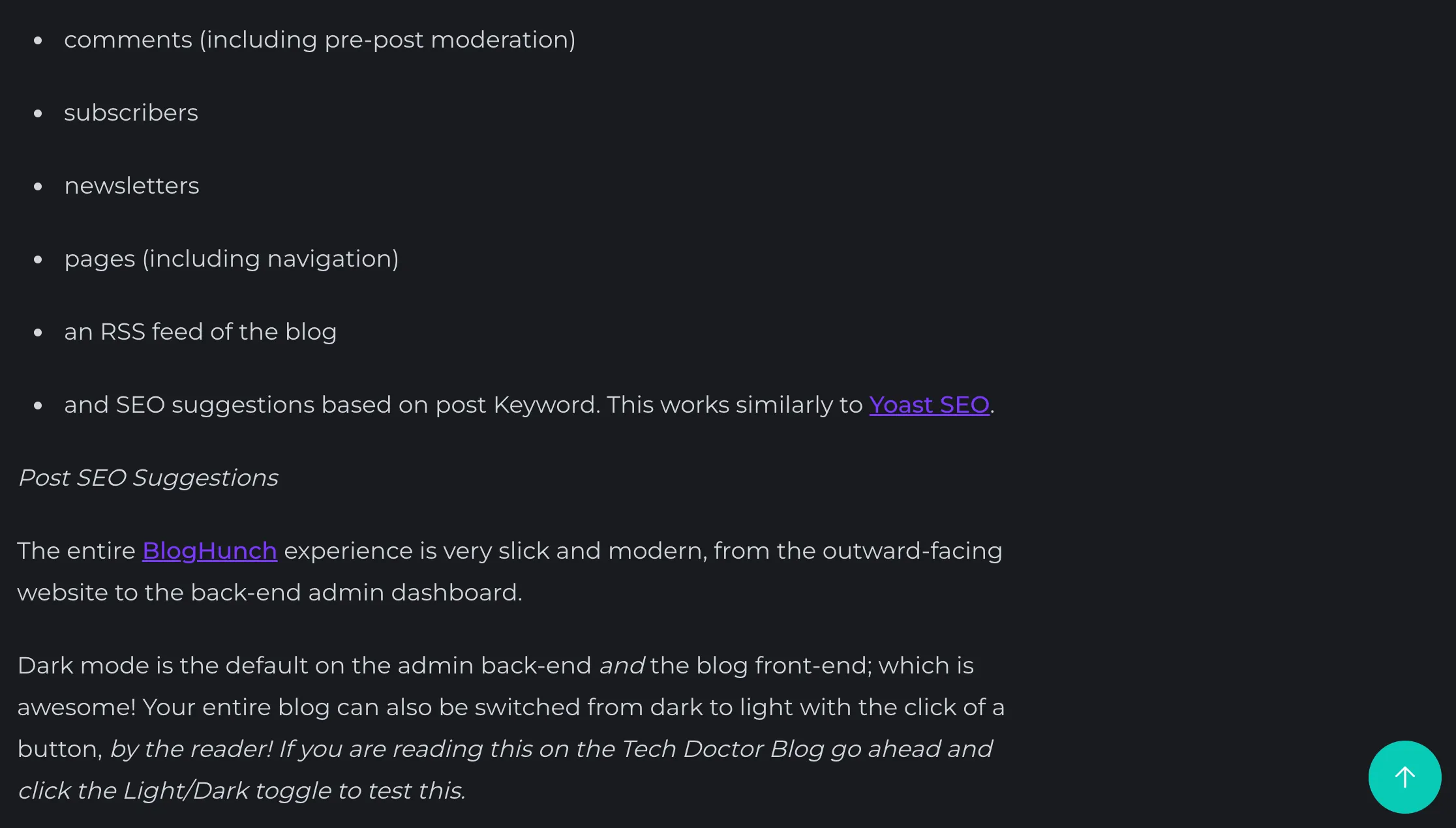
BlogHunch has an inbuilt scroll-to-top button feature that can be turned on and off based on your requirements.
Follow the steps below to access it.
-
Login to BlogHunch.
-
Go to Dashboard.
-
Click on Settings.
-
Click on General.
-
Scroll down to the Other section.
-
Toggle the Scroll to the top to enable or disable the feature.
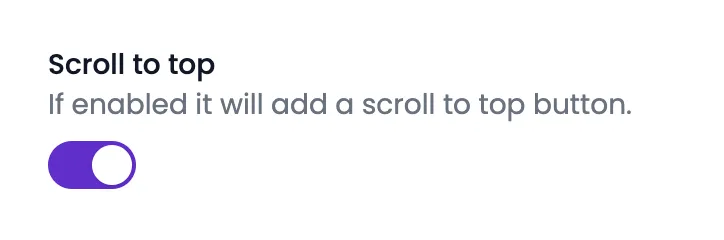
Once updated click on Save.
This is how it will look in your blog.