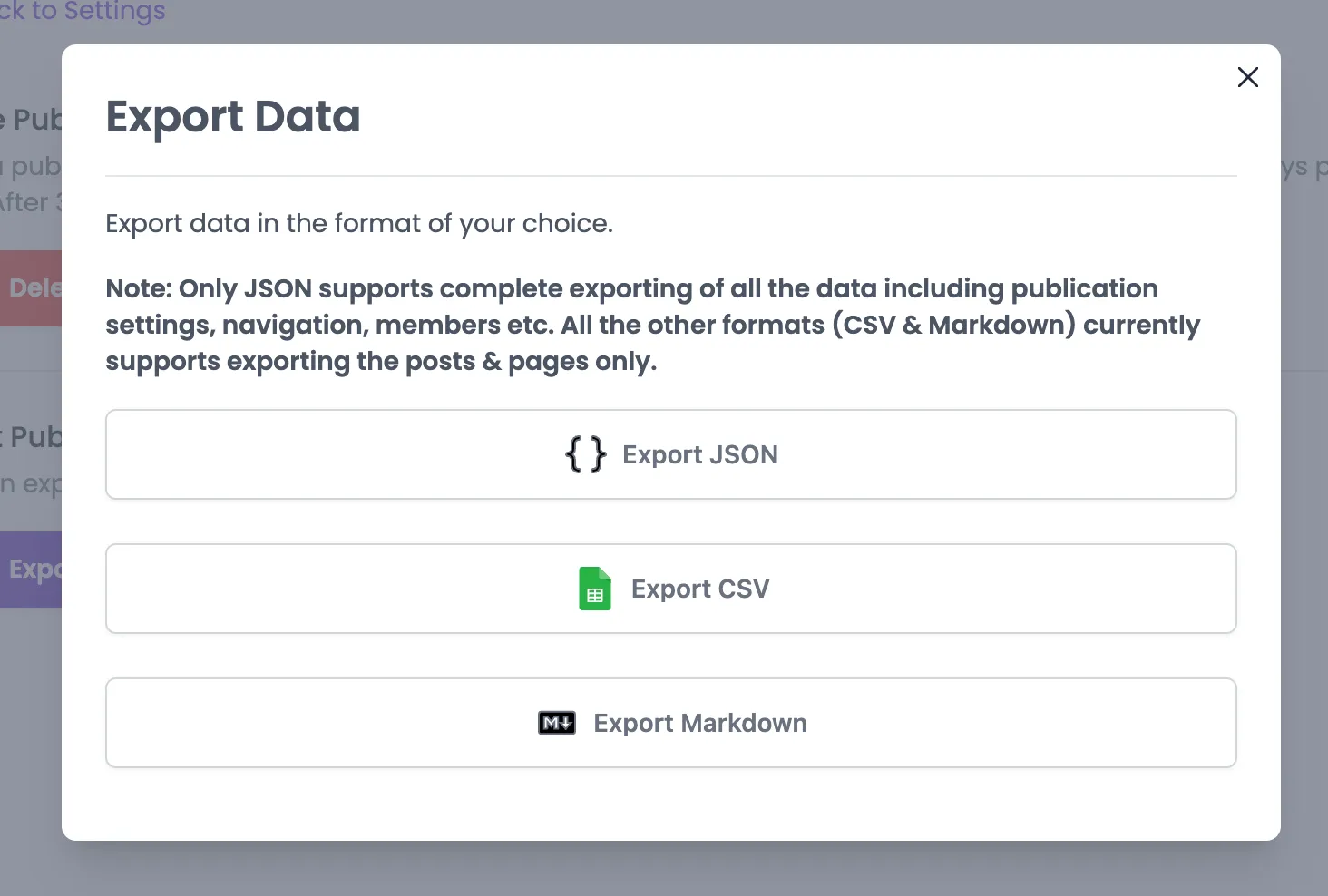
You can export your blog content in 3 different formats using BlogHunch. Follow the steps below to export your data.
-
Login to BlogHunch.
-
Go to Dashboard.
-
Click on Settings from the left-hand sidebar.
-
Click on Publication from the Advance section.
-
Click on Export Data and it will open a new popup.
-
Now from the popup window choose the format you want.