You can disable comments on a specific post by following these steps:
- Login to BlogHunch.
- Go to Dashboard.
- Click on Blog posts.
- Click Edit on the post you want to update.
- Open Settings in the post editor.
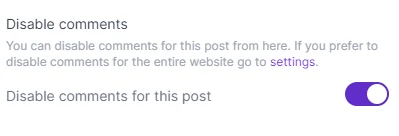
- Scroll down and toggle Disable comments.
You can disable comments on a specific post by following these steps:
Was this page helpful?