To connect subdomain please follow these steps
-
Login to BlogHunch.
-
Go to Dashboard.
-
Click on Settings from the left-hand sidebar.
-
Click on Domain
-
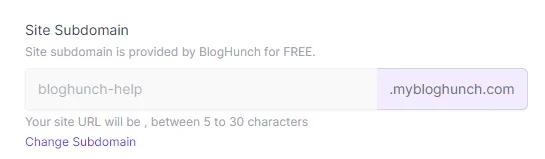
Enter the site subdomain
-
Click on Save.
To connect subdomain please follow these steps
Login to BlogHunch.
Go to Dashboard.
Click on Settings from the left-hand sidebar.
Click on Domain
Enter the site subdomain
Click on Save.
Was this page helpful?