You can change your blog theme by following the steps below.
-
Login to BlogHunch.
-
Go to Dashboard.
-
Click on Settings from the left-hand sidebar.
-
Click on Themes.
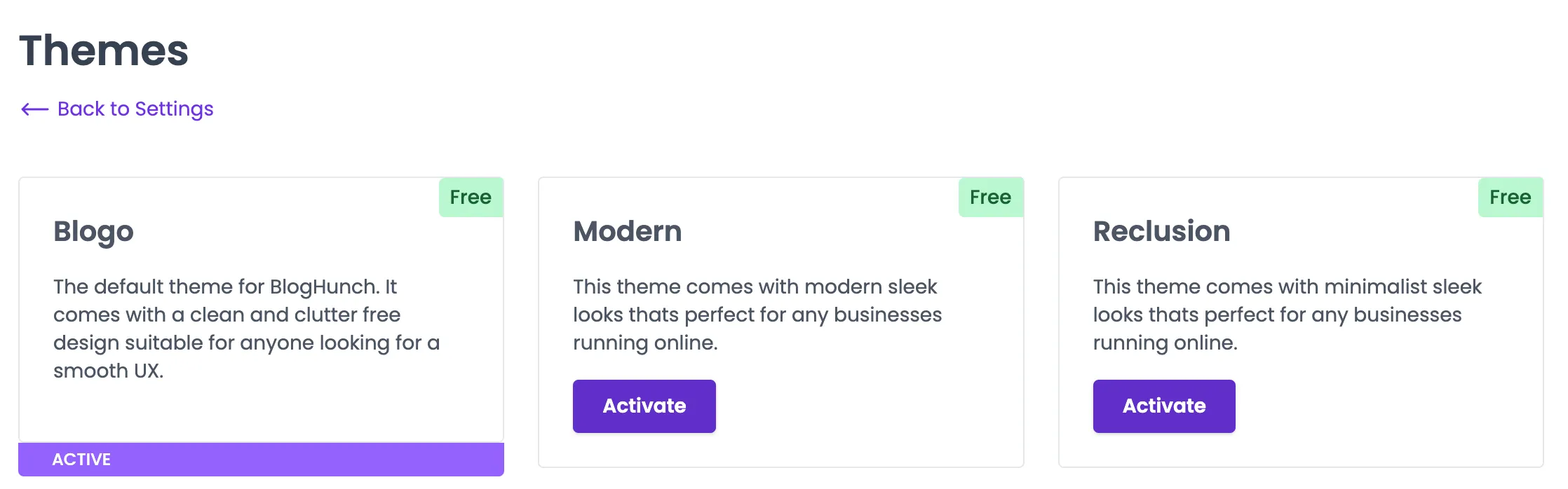
Now you can click on activate for any theme you like and it will be installed in your blog instantly.